Drupal Performance Tip – removing unused modules

Known for his open source and JavaScript security initiatives, Liran Tal is an award-winning software developer, security researcher, and open source champion in the JavaScript community. He's an internationally recognized GitHub Star, acknowledged for his open source advocacy, and has received the OpenJS Foundation's Pathfinder for Security for his work on Node.js security. His contributions to developer security education include leading OWASP projects, building supply chain security tools, participation in CNCF and OpenSSF initiatives, and authoring books such as O'Reilly's Serverless Security. He leads the developer advocacy team at Snyk.io and is on a mission to empower developers with better application security skills.
Nov 12, 2014 ~ 1 min read
Drupal Performance Tip – removing unused modules
share this story on

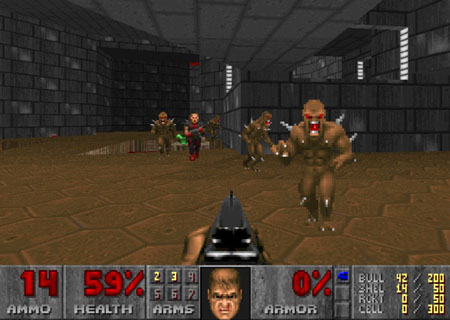
In the spirit of the computer video game Doom and its skill levels, we’ll review a few ways you can improve your Drupal speed performance and optimize for better results and server response time. These tips that we’ll cover may be at times specific to Drupal 6 versions, although you can always learn the best practices from these examples and apply them on your own code base.
If you’re using a Drupal distribution which is great for kick-starting a project with many features built-in, you should still review added modules which are managed through the installation profile as they might prove un-necessary for your product as time goes and your product evolves and matures. Remember that even if you’re not using a distribution, you might have added some modules to meet a functionality, which you no longer use and you disabled through CSS, through the menus, through the theme, but you forgot all about removing the actual module. These un-used modules account for memory footprint as they are loaded through PHP and they can also account for Drupal hooks, which is even worse in terms of performance for you.
Remember to review your installed modules base on Drupal and remove any un-used functionality: